Dialogue Designer
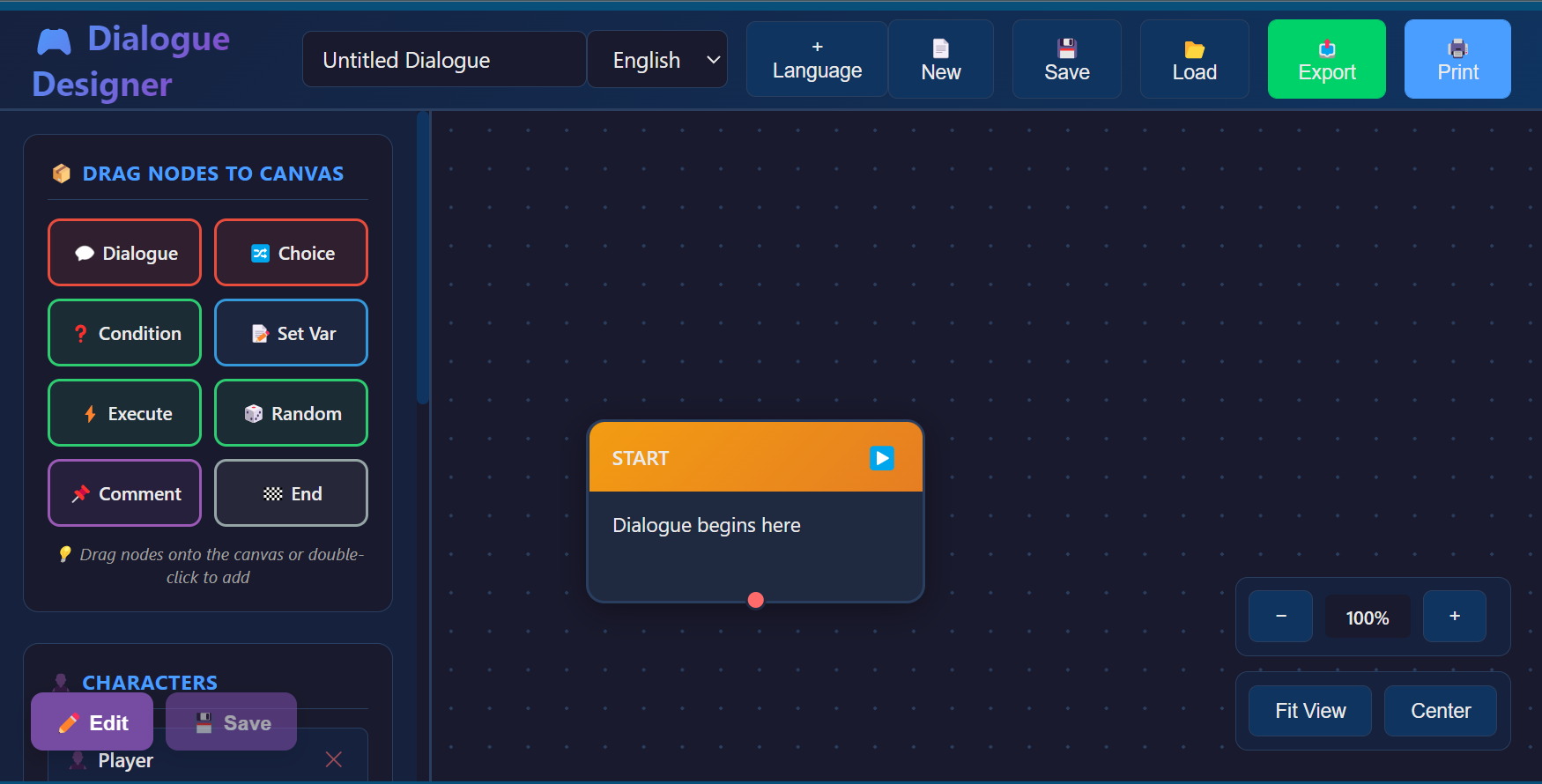
WIP - Dialogue Designer: Free to use tool for all.
I am a game design instructor working with students of all ages. This tool was designed with my students in mind, and as I'm building it, I have noticed there are not very many tools for free for the public, so I am sharing my work-in-progress version!
Creating Your First Dialogue
Step 1: Add a Character
1. In the Characters section, type "Hero" in the input field
2. Click the + button
3. The character is now available for dialogue nodes
Step 2: Create a Dialogue Node
1. Click the "💬 Dialogue" button in the Node Palette
2. A dialogue node appears in the center of the canvas
3. Drag it to position it after the START node
Step 3: Edit the Dialogue
1. Click on the dialogue node to select it (it will glow blue)
2. The node shows:
- Character dropdown (select "Hero")
- Text field (enter dialogue text)
- Audio file field (optional)
Step 4: Add a Choice
1. Click "🔀 Choice" in the Node Palette
2. Position it after your dialogue node
3. The choice node shows:
- Question text
- Multiple choice options
- Add more choices with the + button
Step 5: Save Your Work
1. Click the "Save" button in the header
2. Choose a location and filename
3. Your project is saved as a JSON file
Comments
Log in with itch.io to leave a comment.
Fixing the choice node and not being able to connect nodes together